


API
28.10.2026
The API allows for the full automation of certificate issuance (e.g., generating and sending certificates to students automatically after course completion or payment).
To set up the integration:
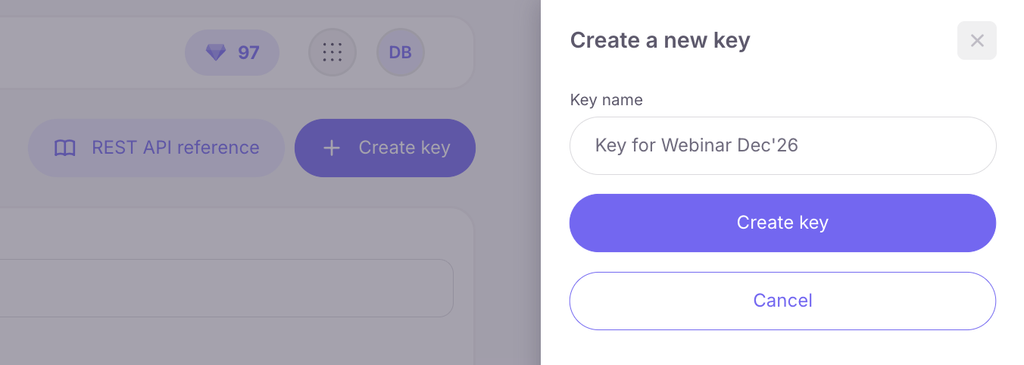
- Click the Create key button in the top right corner.
- Enter a name for the key and click Create key.
- Copy the generated key — your developer will need it to establish a connection between your website and the Certify service.
- (For developers: the key is passed in the SB-API-KEY header).
In the table, you can view all active keys, names, call counts, and creation dates, as well as delete any unnecessary key if needed.
At the top of the page, there is a REST API Reference button that leads to the developer portal with a complete description of available methods, request parameters, and responses: https://developers.softbook.app/api/certify/version/2



 Book a demo call right now!