


Certificates
28.10.2026
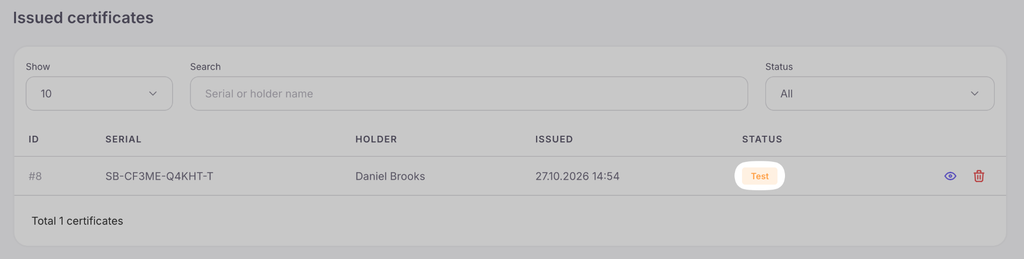
This is the registry of all generated documents. For each certificate, it displays its serial number, the owner’s name, the date of issue, and the current status (Issued, Revoked, Test).
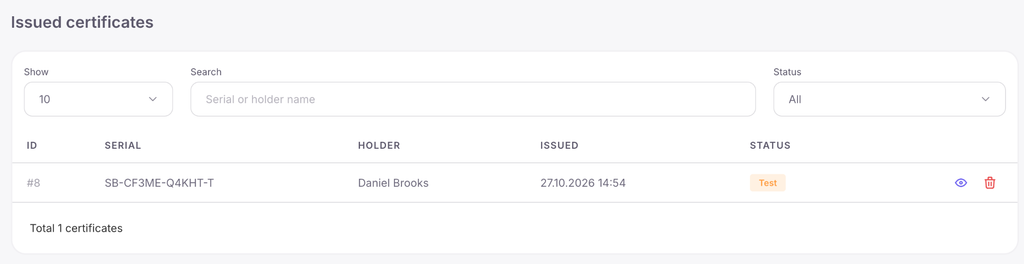
In this section, you can manage issued documents: view their details, revoke, or permanently delete them. On the page of a specific certificate (opened with the “View” button), the following are available:
- downloading the image in PNG format;
- navigating to the public verification page (Verify);
- information about the issuance channel (bulk, API, via link, etc.);
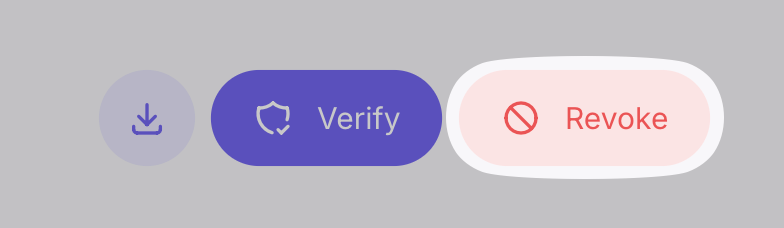
- the button to revoke the document.
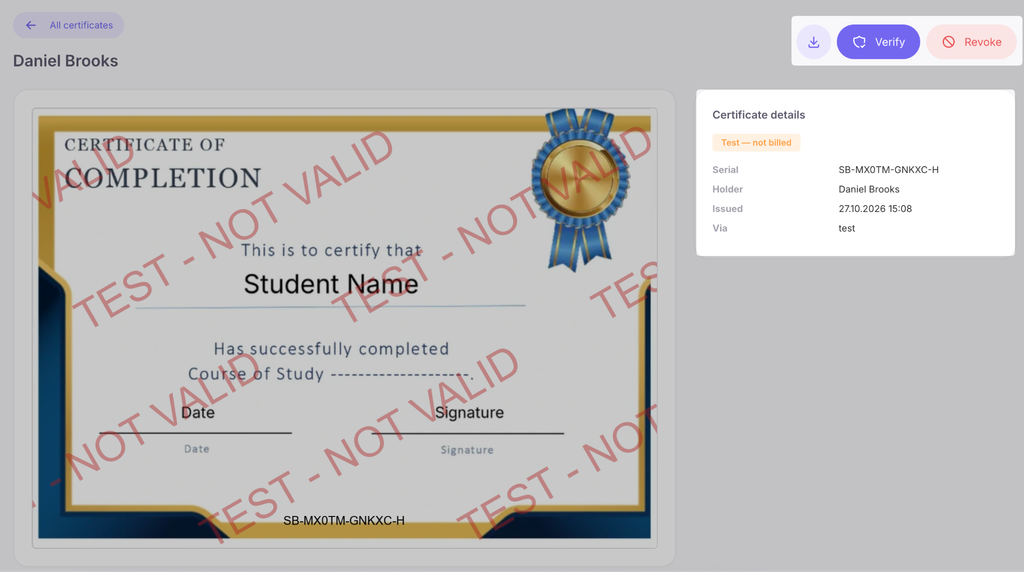
Certificate actions and statuses:
- Revoke — the certificate becomes invalid. If someone clicks its link or scans the QR code, the verification page will show that the document has been revoked. This action cannot be undone, and the token spent on the issuance is not refunded. You do not need to specify a reason for revocation.
- Delete — the certificate permanently disappears from the list, and its serial number will no longer pass verification (the verification page will stop working). This action also cannot be undone.
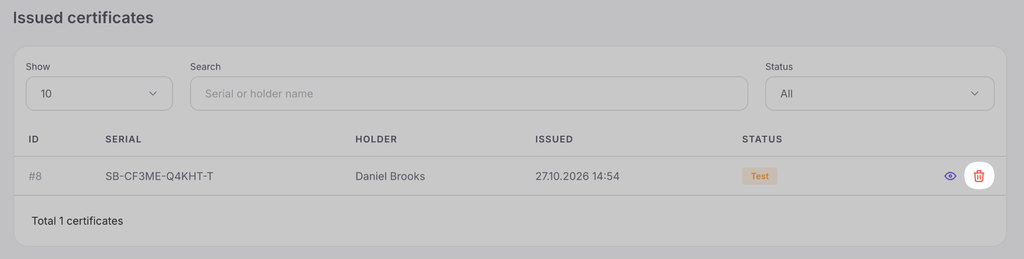
- “Test” status — such certificates are the result of a free test issuance from the layout editor. They contain a watermark and are not valid on the verification page.



 Book a demo call right now!