


- How to create course on Softbook
- Creating a course with AI
- Setting up a course
- Creating a module
- Filling a lesson with content
- Changing the order of blocks in the lesson
- Creating testing
- Creating homework
- Learning paths
- Adding students
- Adding students using API
- Student groups
- Homeworks
- Certificates
- Plans
- Announcements
- Schedules
- Feedback
- Accesses
- Comments
- Video protection
- Content protection
- Mobile app for the school team
- General settings
- Email Settings
- Domain Settings
- Dashboards
- Webhooks
- Custom fields
- API
- Branding
- Notifications
- AI Connector
- Overview
- Education
- CRM
- Sales
- Team Actions
- Course Analytics
- Lesson Analytics
- Testing statistics
- Mobile app for the school team
Changing the order of blocks in the lesson
Next stage – changing the order of blocks in the lesson.
The standard arrangement of blocks looks like this: “Content — Homework — Tests”. However, in some cases, it may be necessary to change this order. For example, you might want to offer students to take the test first to assess their initial knowledge, and then move on to the homework. Or you can start with homework so that students can apply their knowledge in practice before taking the test.
Such changes in the lesson structure help adapt the learning process to specific goals.
You can change the order of the blocks by simply dragging and dropping them.
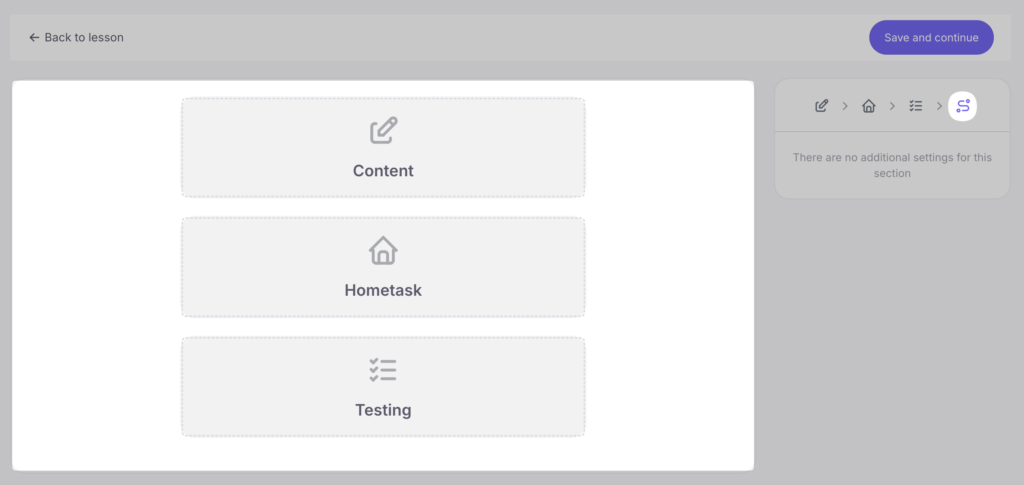
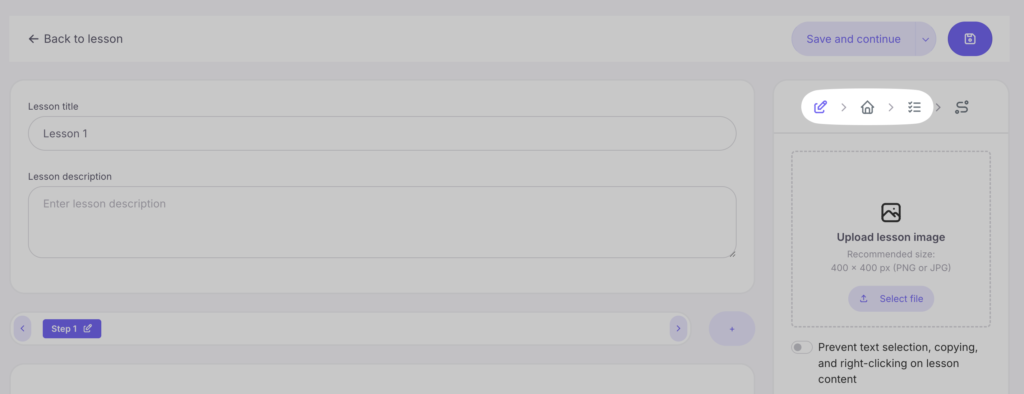
Click “Save and Continue”. You will be taken to the page of the first lesson of the course with all the settings, learning materials, homework and tests.
The “Edit Lesson” button allows those with editing access to change the content, homework, and quizzes.



 Book a demo call right now!