

Feed
The Feed is a section of the platform where all school users’ posts are displayed in chronological order. It allows you to keep track of news, user activity, and important events within the school.
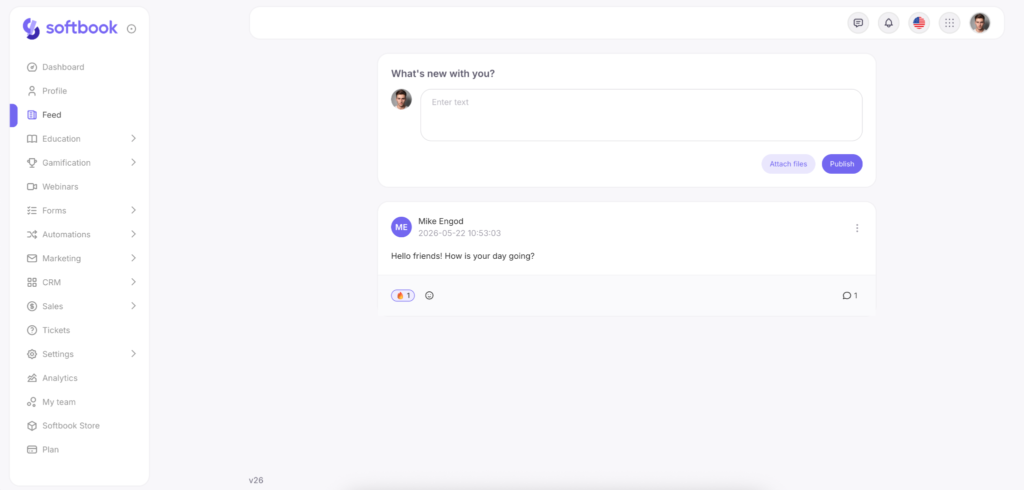
In the feed, you can:
- View posts from all users;
- Create your own posts and attach images or files;
- Comment on and react to posts from other users;
- Edit or delete posts.
The feed and profiles are interconnected: posts made in a user’s profile automatically appear in the feed, and posts from the feed are also visible in the authors’ profiles.
In addition to regular posts, you can create paid publications. This can be done both from the general feed and directly from your profile. Important: to create paid posts, a payment system must be connected in your school.
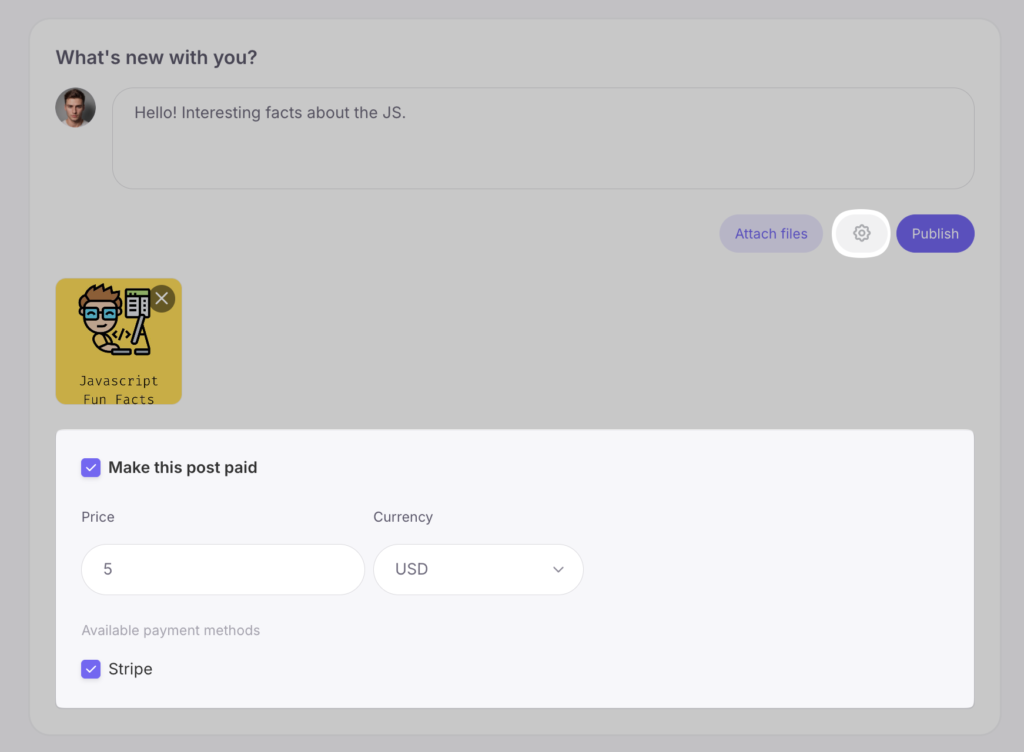
To set up a paid post, follow these steps:
- Write the publication text and add the necessary materials.
- Click the gear icon (settings) in the post creation area.
- Check the box next to the “Make this publication paid” option.
- Enter the amount, choose the currency, and select the payment systems through which payments will be accepted.
- Publish the post.
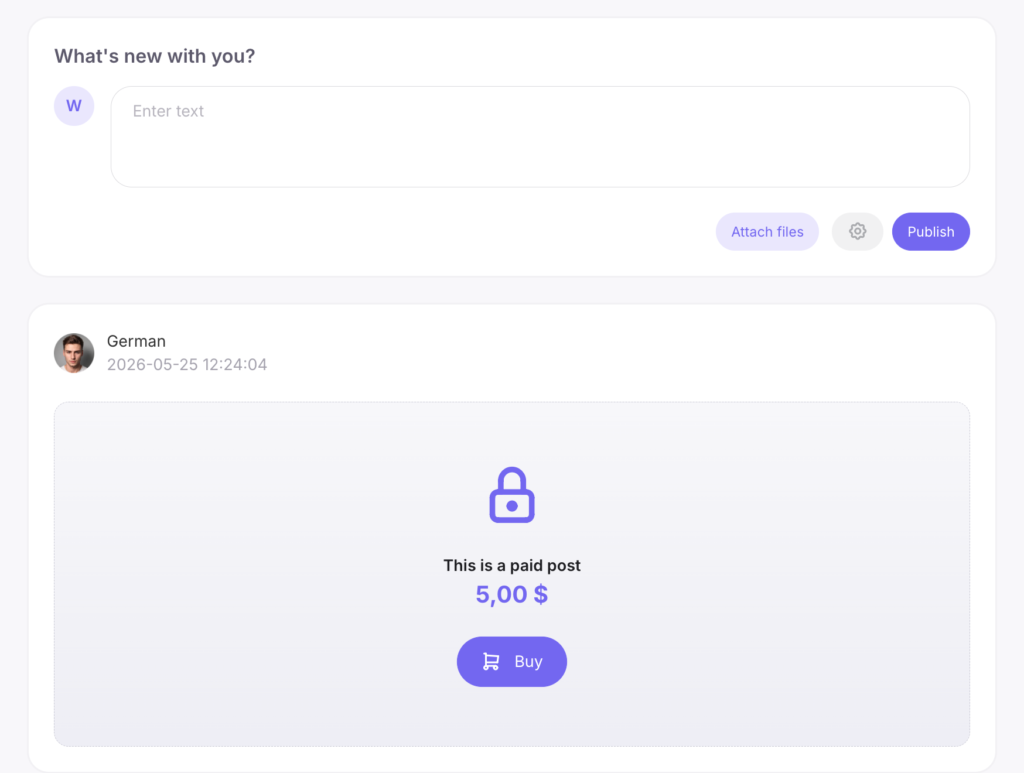
For a student who has not yet purchased access, the main content of the paid publication remains hidden. Instead of the materials, they will see a button displaying the price and an option to pay.
After a successful payment, the content is automatically unlocked and becomes fully available for viewing and interaction (comments and reactions).
To enable the feed, go to “Settings” → “General Settings” → “Social” and activate the “Enable general news feed” option.
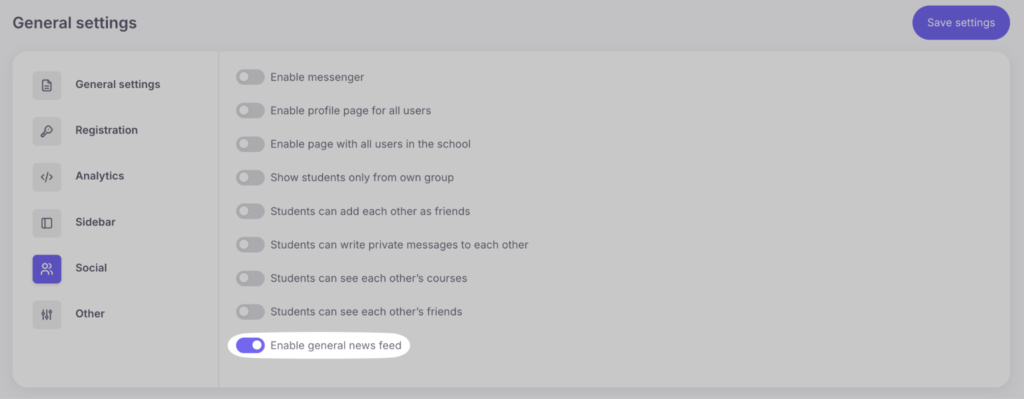
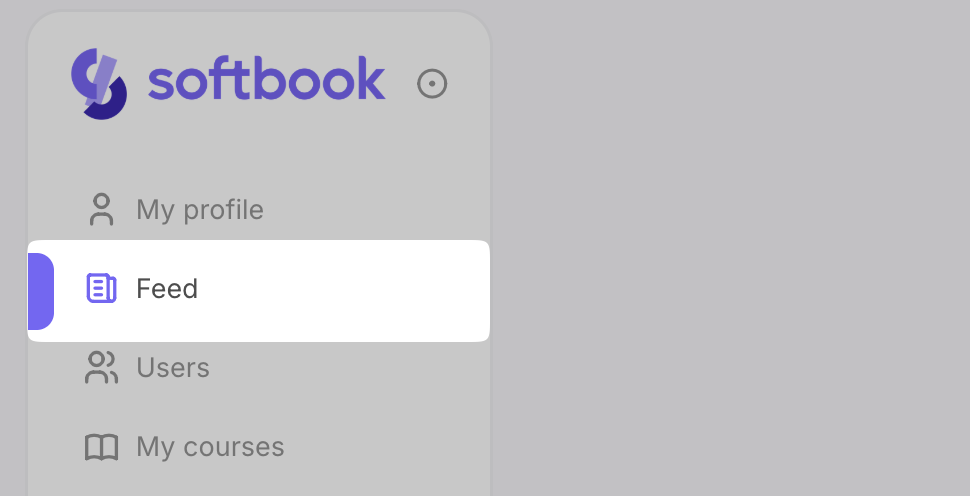
After saving changes, all users will see the “Feed” section in the sidebar.



 Book a demo call right now!